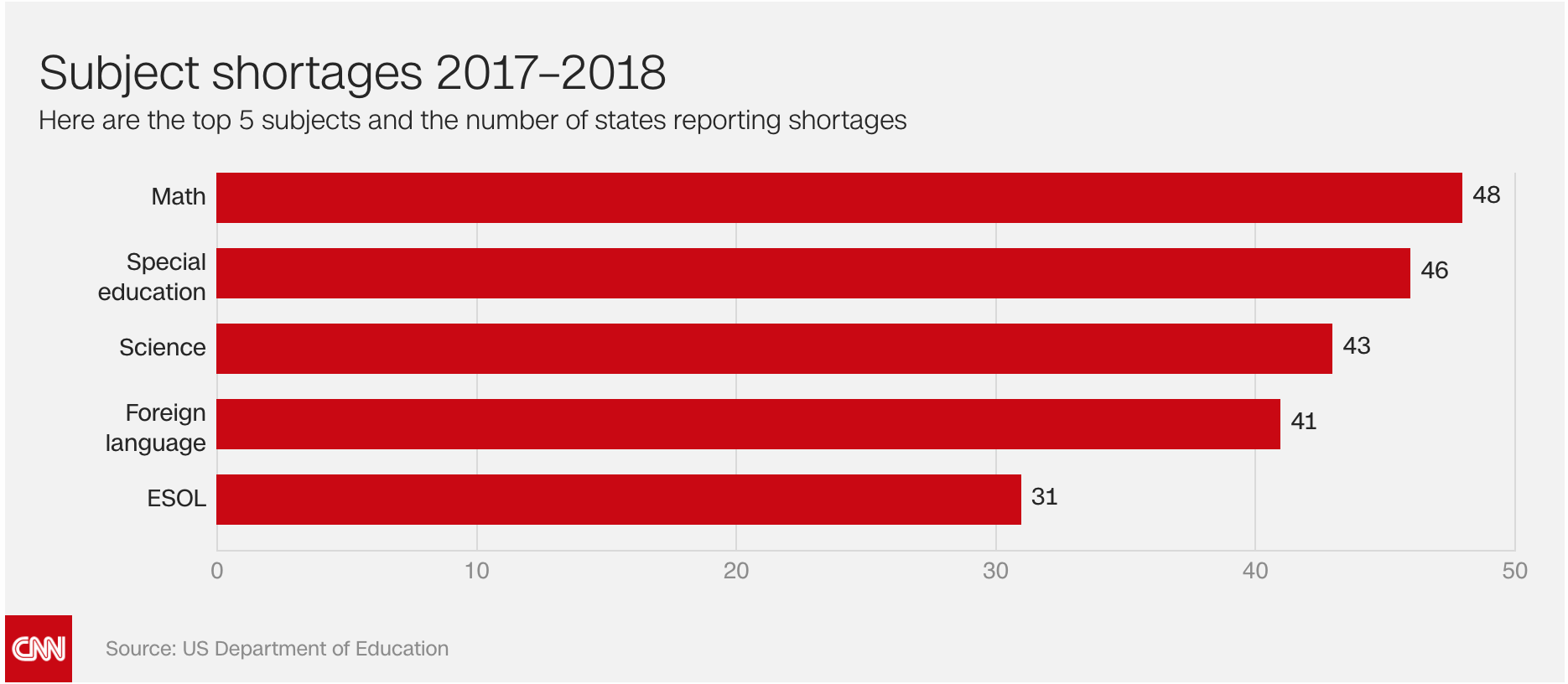
Over the course of an academic year, I and two classmates worked together to develop a physics game in virtual reality as our Human Factors senior capstone project. To determine the focus of our project, we first looked at the problems facing classrooms today. We found the graph below showing that almost all states in the United States report teacher shortages in Math and Science, as well as studies showing that immersive learning can be more effective than traditional learning methods for multiple age groups.
Thus, we chose to work in virtual reality, which is immersive and allows students and teachers to connect from afar (i.e. a student without a math/science teacher could participate in a lesson taught by a math/science teacher from another district). We also chose to focus on late high school and early college students, since the math/science concepts they cover are more complex than earlier years and would thus benefit more from the thee-dimensional immersion of VR. After conducting more desk research, our problem statement became: "How can we use virtual reality to make physics more accessible, collaborative, tangible, and real, in order to increase student engagement in physics lessons?"
Before designing our game, we needed to better understand our users and the use space. Thus, we conducted a literature review, interviewed physics professors, administered an online questionnaire to current introductory physics students, and researched current VR and online science games. From the findings of these efforts, we developed personas as well as a list of user needs and design requirements.
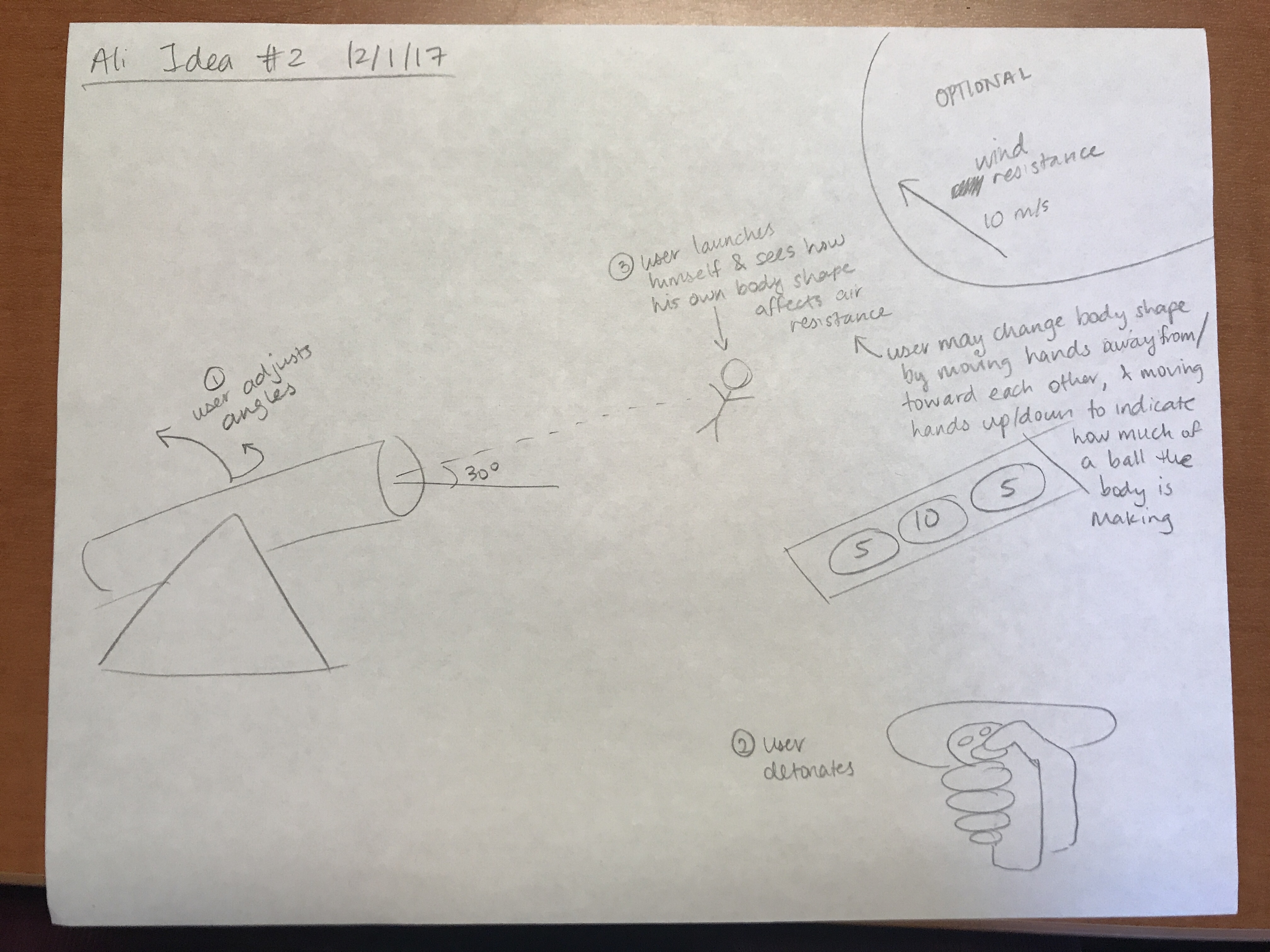
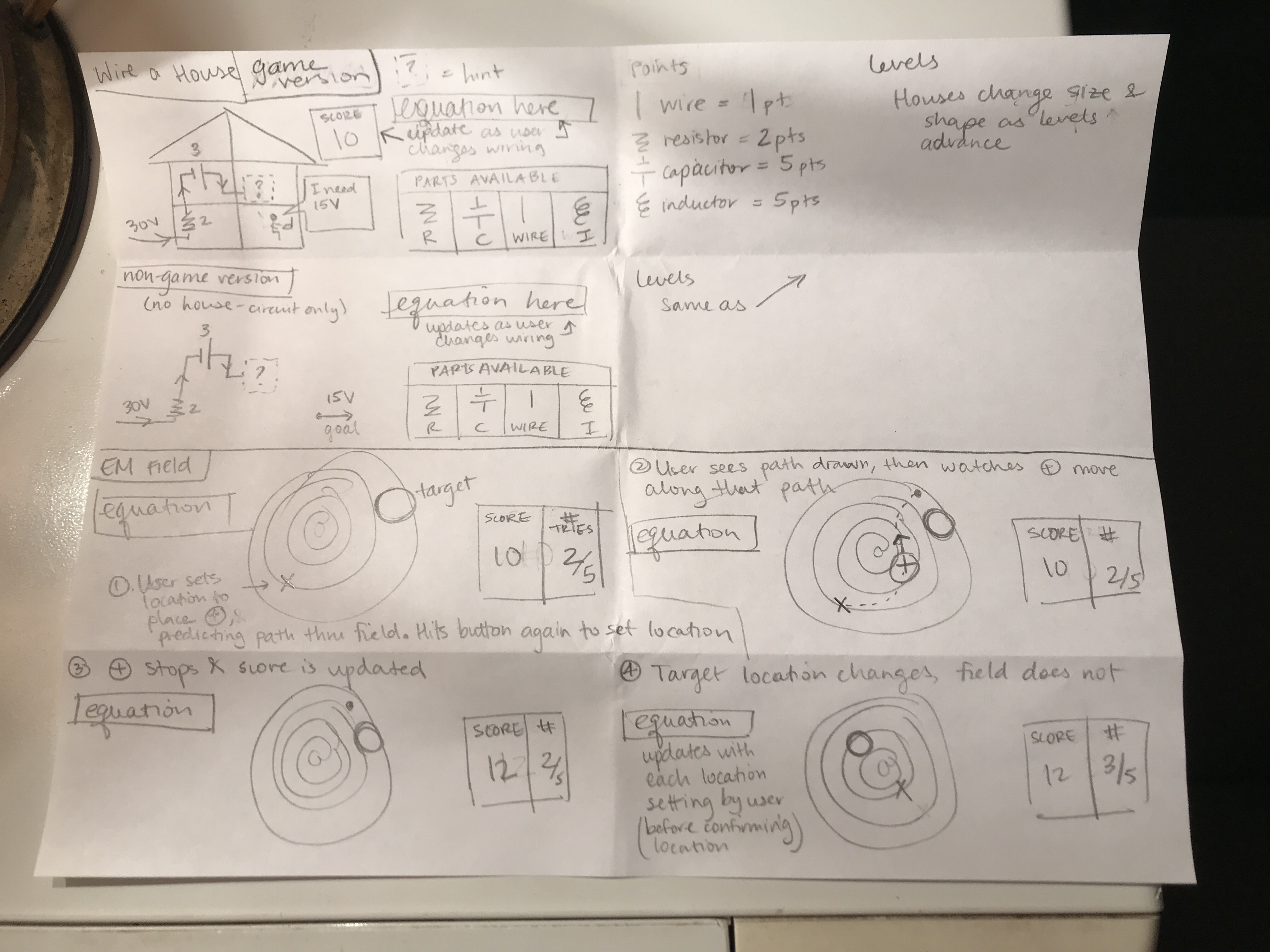
We then held a team meeting to brainstorm ideas for our game and for our usability test. As Design Lead, I sketched a few versions of each idea, focusing more on content and function rather than on form, since we did not yet know what our technical abilities (with Unity) would be.
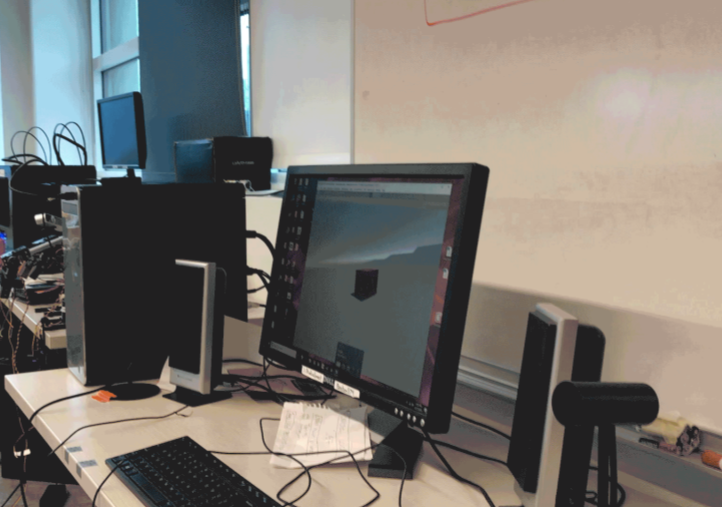
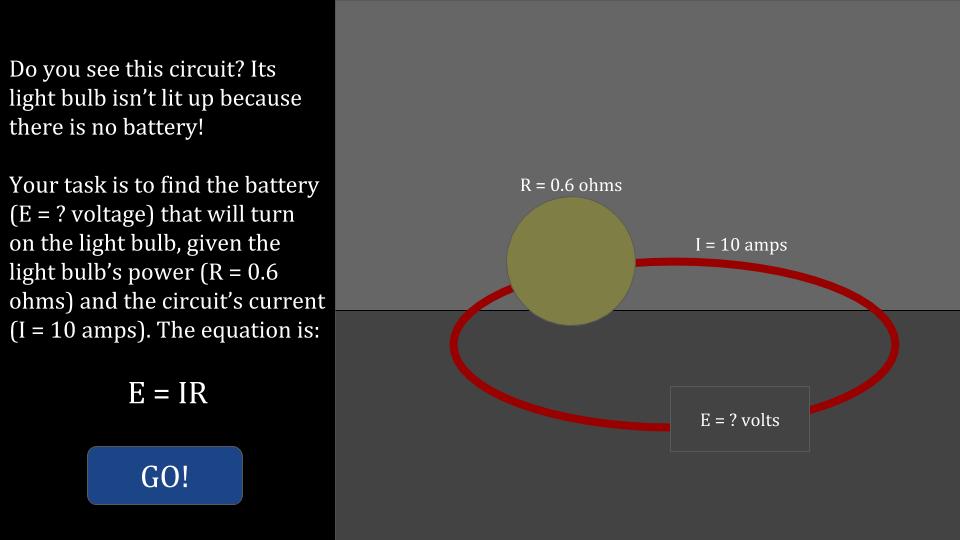
Once we agreed to move forward with the Ohm's Law concept, our Technical Lead coded an initial version, which we then used for simulated user testing.
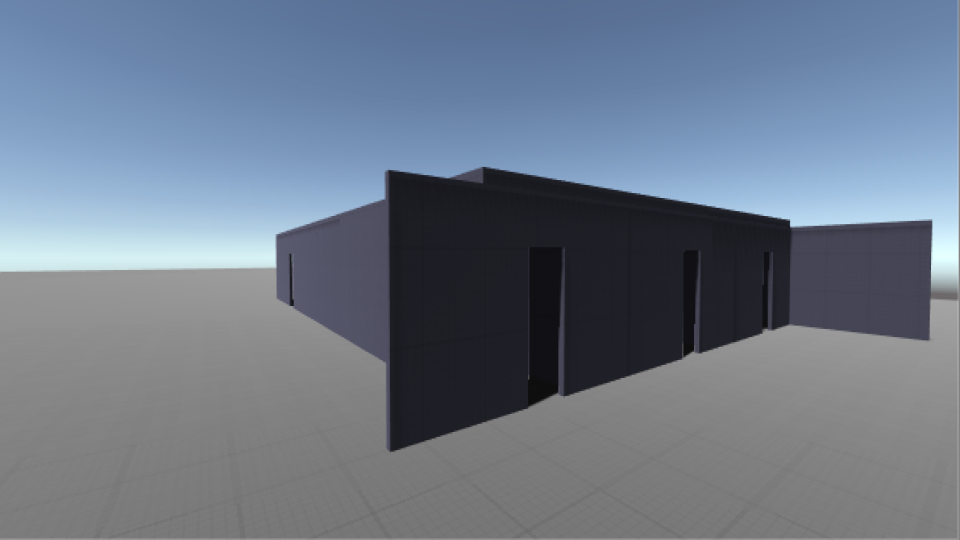
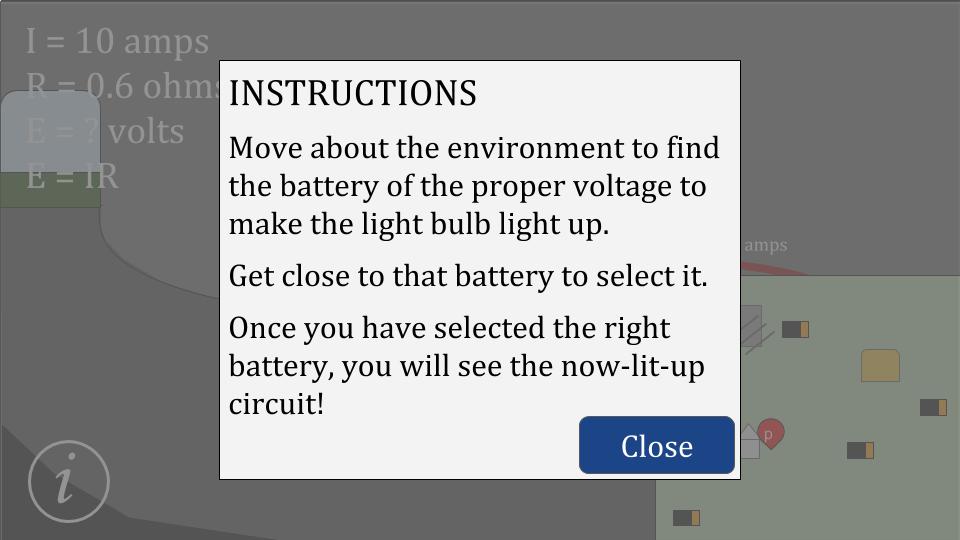
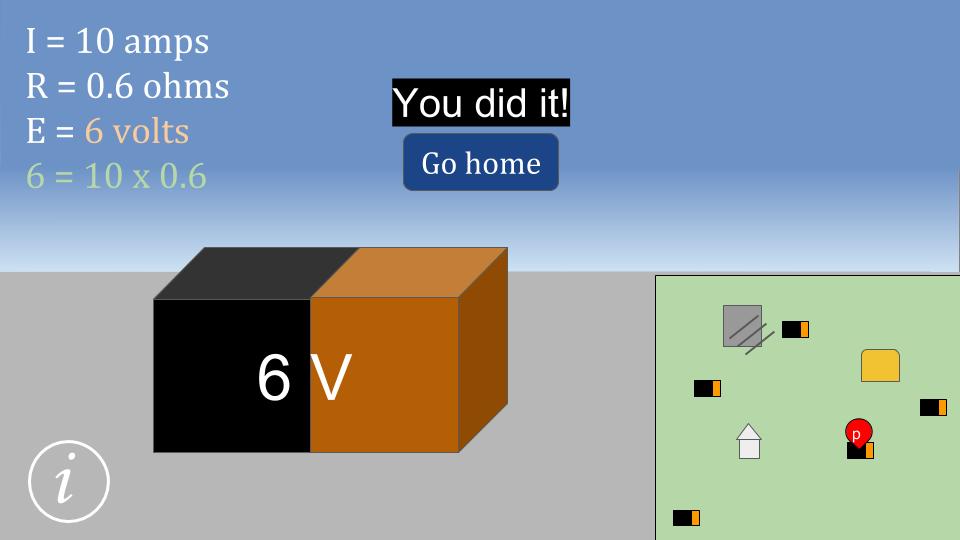
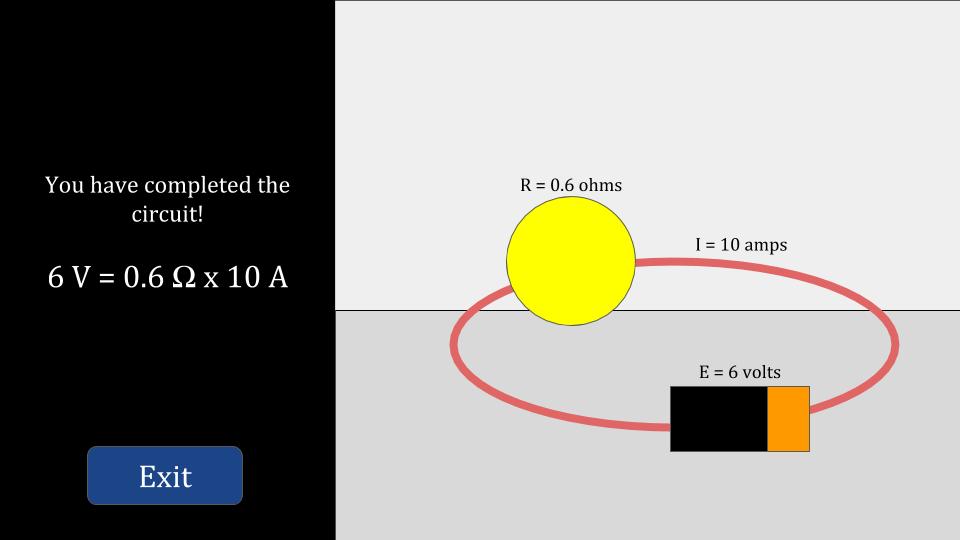
Findings from this testing guided our redesign choices. For example, users could not tell that the orb was not illuminated in the battery-less circuit, and so did not see the need to find the battery. Our team aimed to solve this issue by placing the circuit in a room, so that it was obvious that the room was darker than it should be if the light were illuminated. We also sought to make the game feel more professional, and so went for the below sleeker aesthetic in our second version of the game.
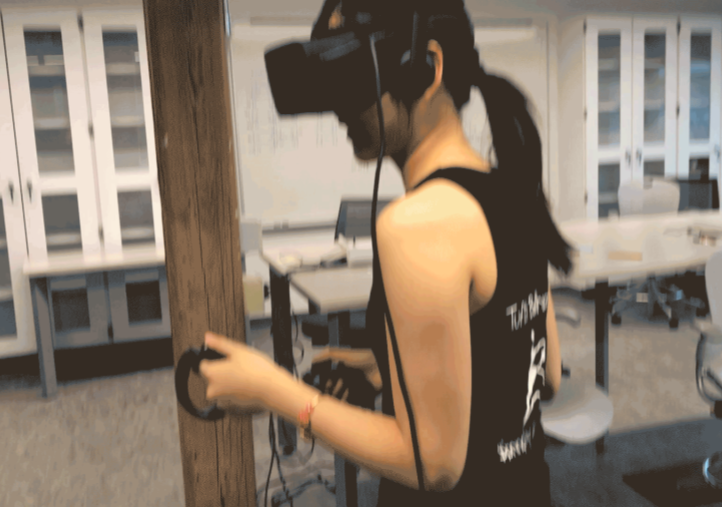
Once this version was complete, we conducted user testing to evaluate the teaching effectiveness and enjoyment of playing our game on the Oculus Rift as compared to watching a video lecture with the same material.
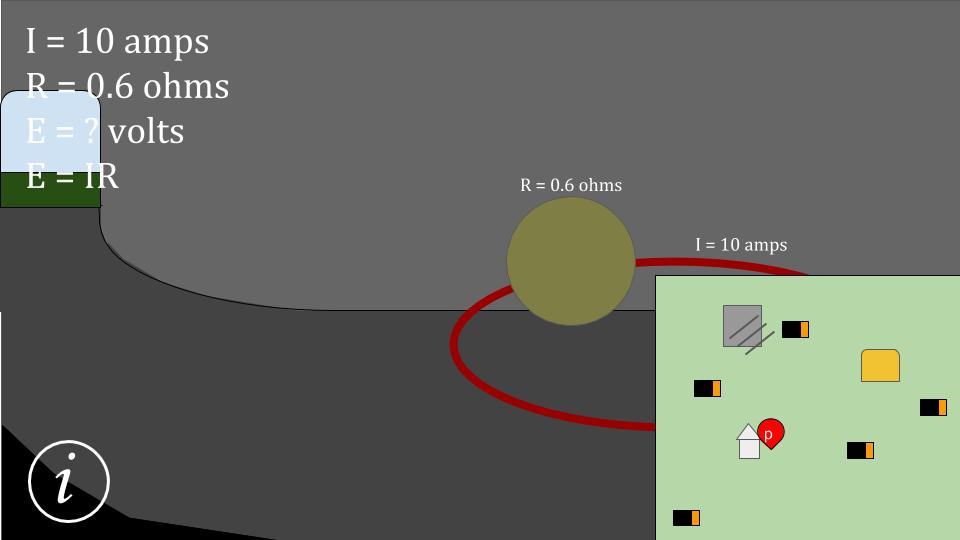
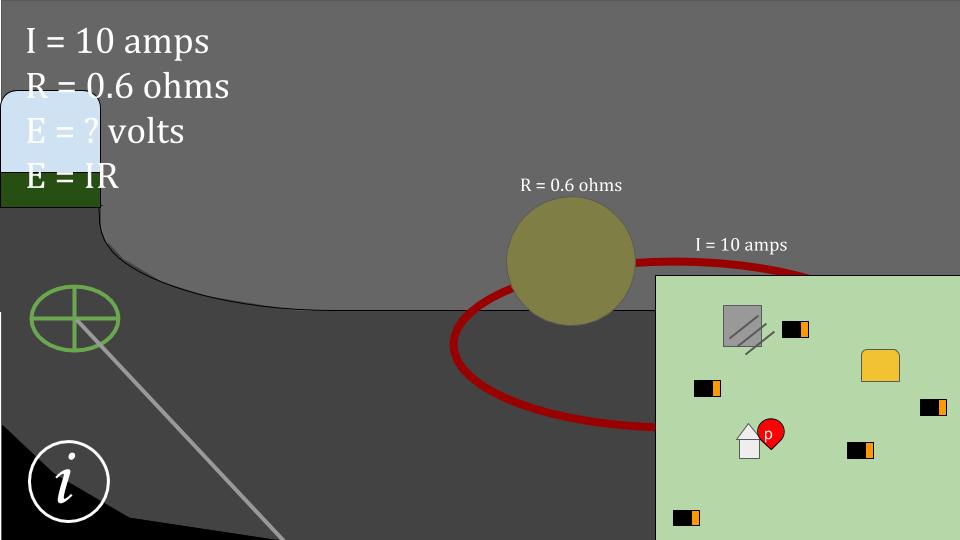
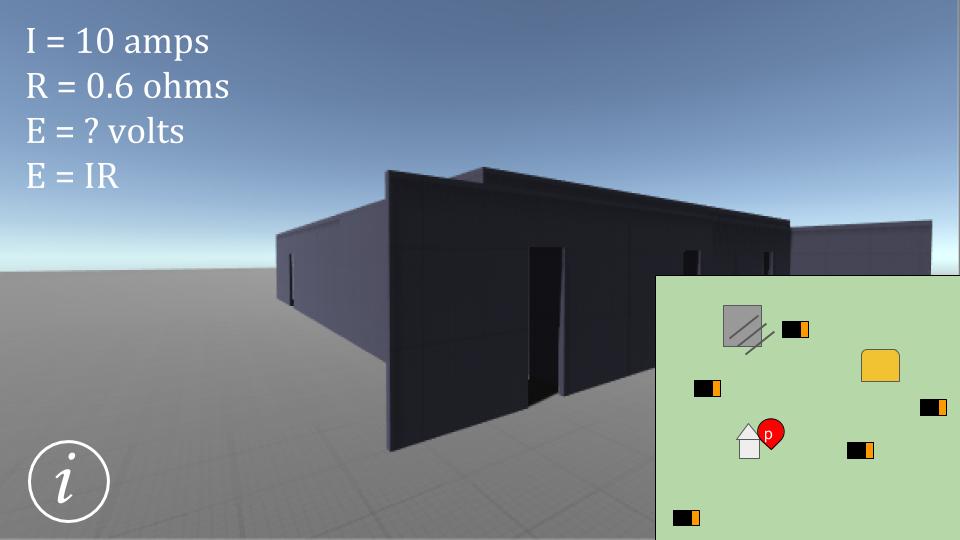
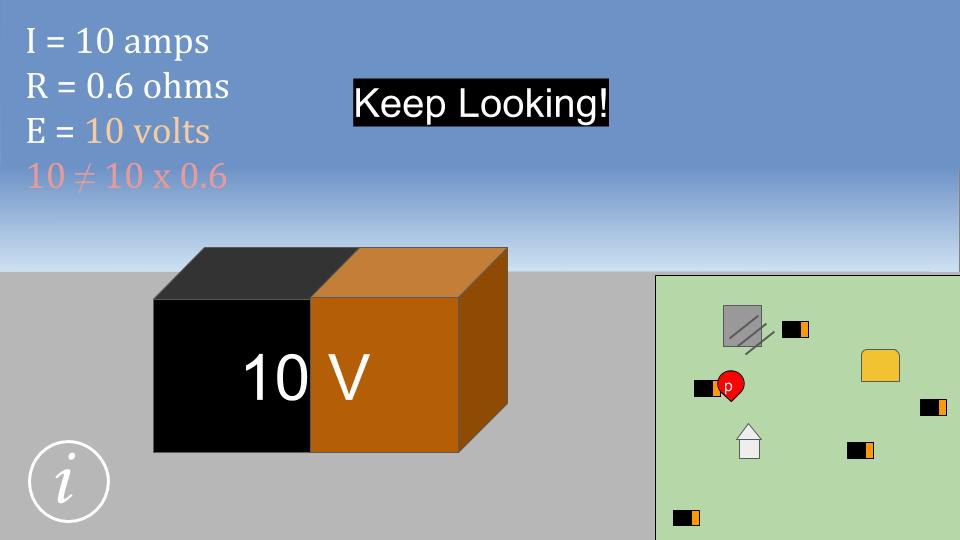
From this testing, we found that the video lecture taught the lesson in a more straightforward manner than did the virtual reality game. Participants in the VR condition reported that our game needed more resources to be available to the user continuously (e.g., a map on all screens, the equation and parameters on all screens, etc.) and generally more material in order to effectively teach the lesson. This was also shown through their comments while playing the game, such as, "I forget what I'm looking for" and "Where is the circuit again?" From these results, I crafted some redesigns in Google Slides so that my teammates could edit them and leave comments as they saw fit. After discussing the slides, we decided on a next design, presented below.
With more time, we would have found someone with more Unity prowess to recode our game, and then we would perform usability testing on this next version.