< Back
Here I present sample screens of a robotic therapy cat mobile application (JustoCat II), created as part of the Software User Interface Design course at Tufts University and later refined. All mockups were made in Adobe Illustrator.
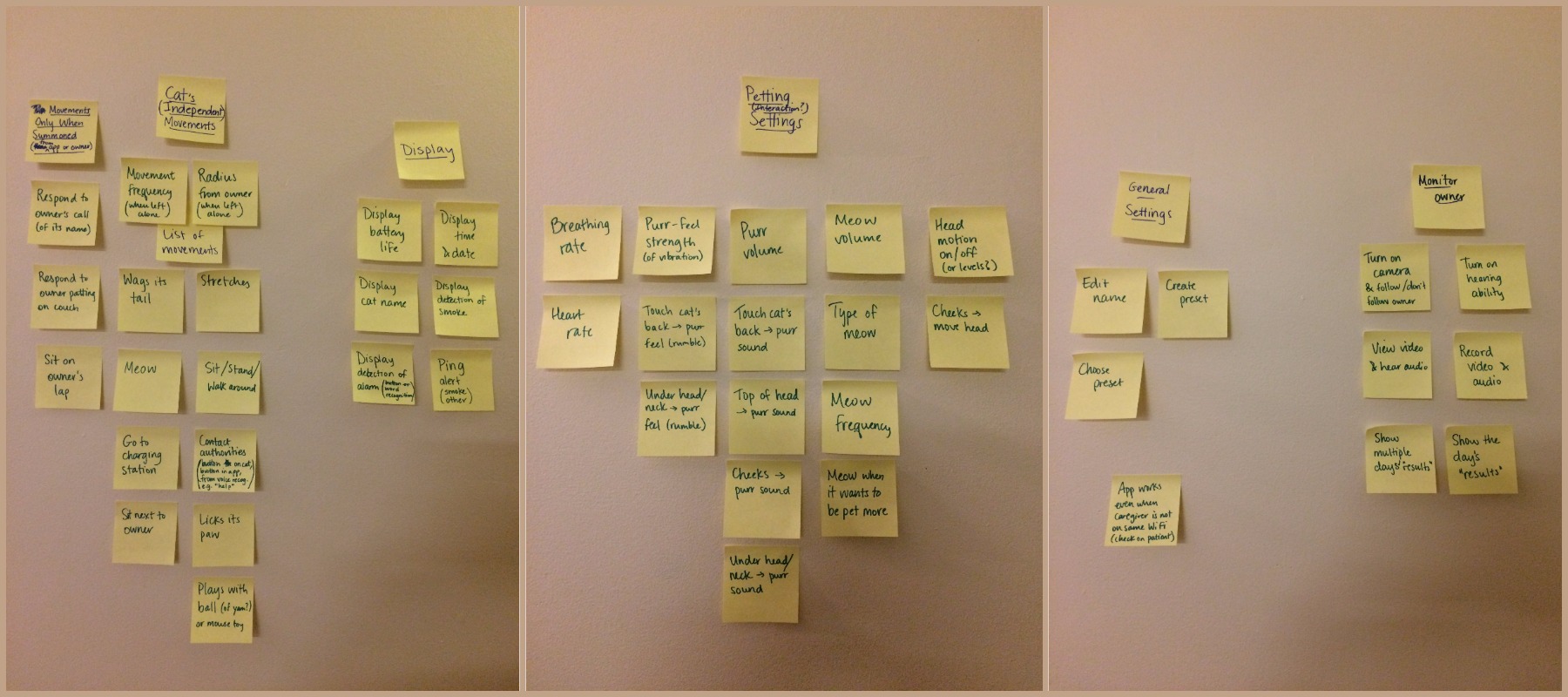
I almost always start a design project with sticky notes to make an affinity diagram. If I cannot think of a title for a given group of sticky notes, then I regroup them until they form cohesive (i.e. nameable) groups.
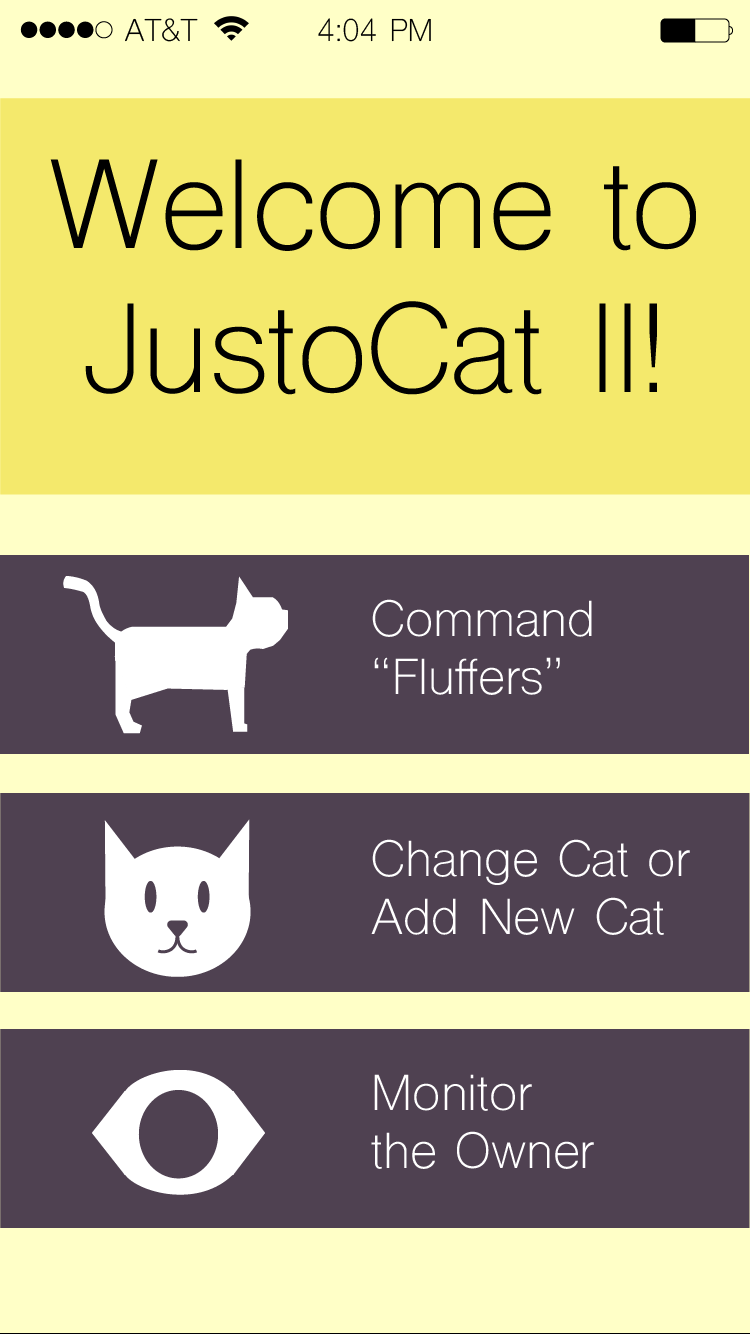
When the user first opens the app, the JustoCat® logo appears for 3 seconds, then fades away to reveal the screen on the left.
The "Command [Cat Name]" button leads to a screen from which the user can control the cat through their phone rather than through speech recognition. This is important if the user does not want the person with dementia (the "owner") to know he/she is controlling the cat.
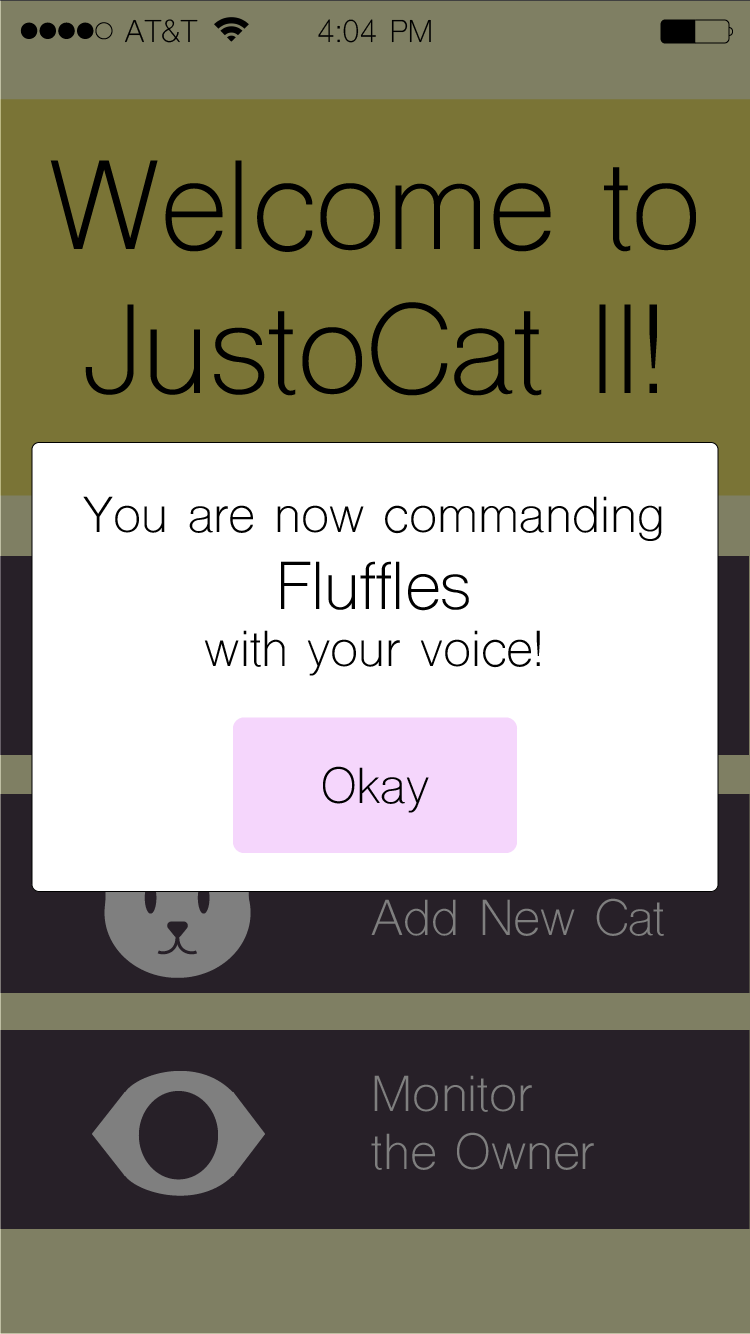
However, if stakeholders decided that voice commands were the way to go, I would implement a pop-up window that lets the user know which cat they are commanding (as in the screen in the center). This reiterates to the user that the cat will be commanded by voice.
The screen on the right is the progress page for adding a new cat personality to the list.
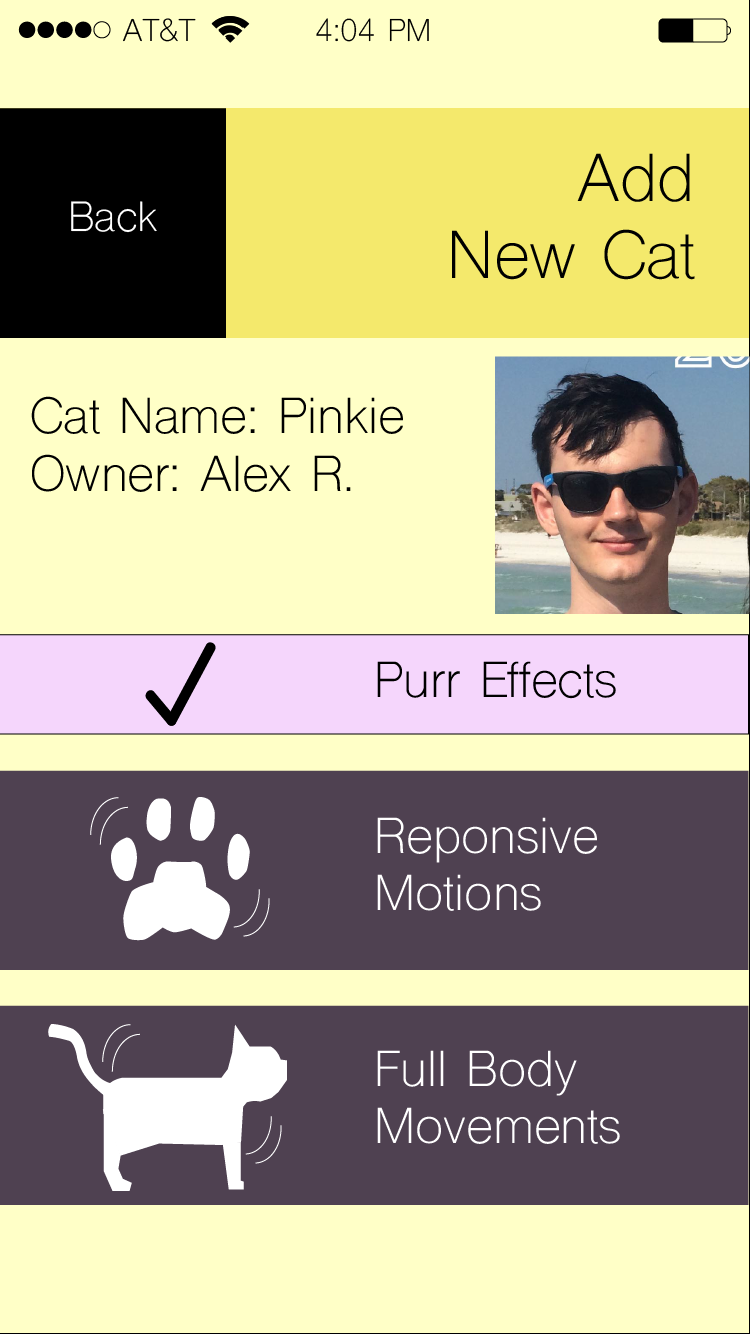
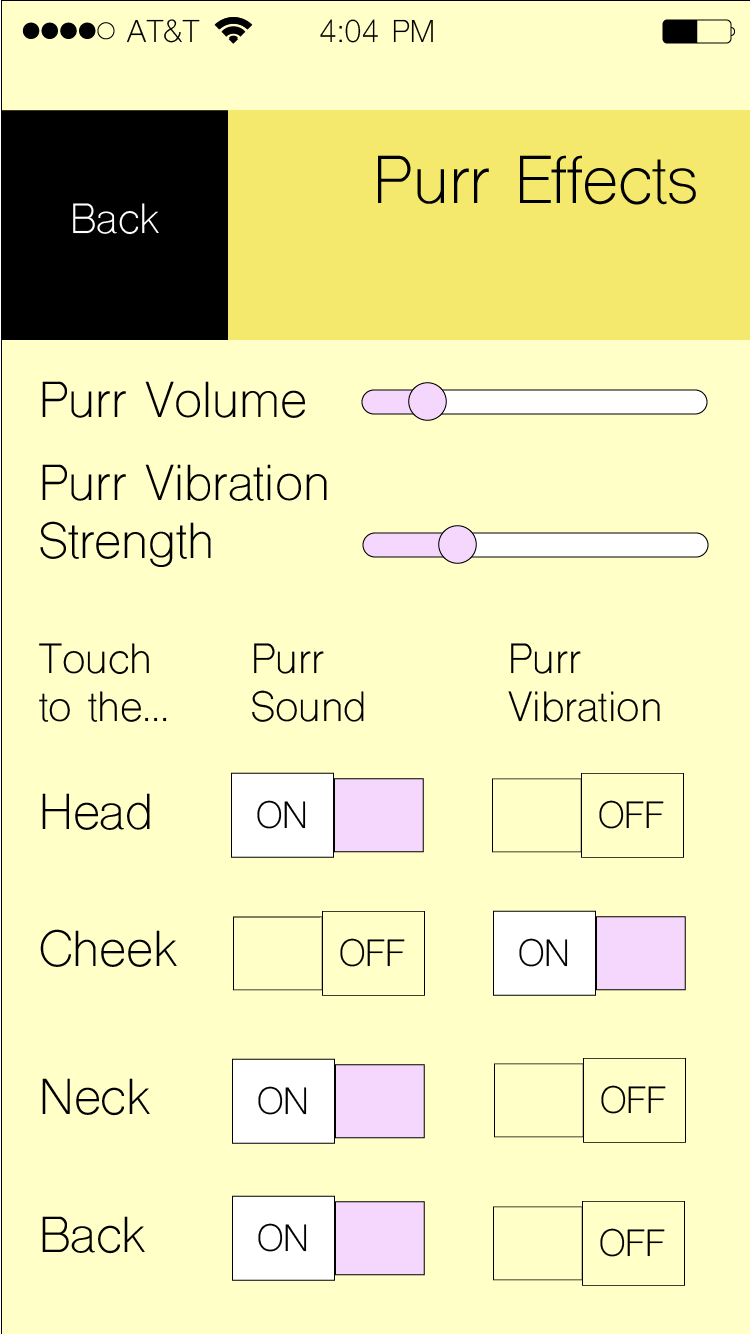
From the "Add Cat" page, one step in the cat personality definition process is to set the purr sound and vibration settings, as in the screen on the left. This is important because people - particularly the elderly - have different combinations of sound and touch sensitivity that should be accommodated, especially in a therapy robo-animal. The other cat settings pages would have a similar look and feel to this one.
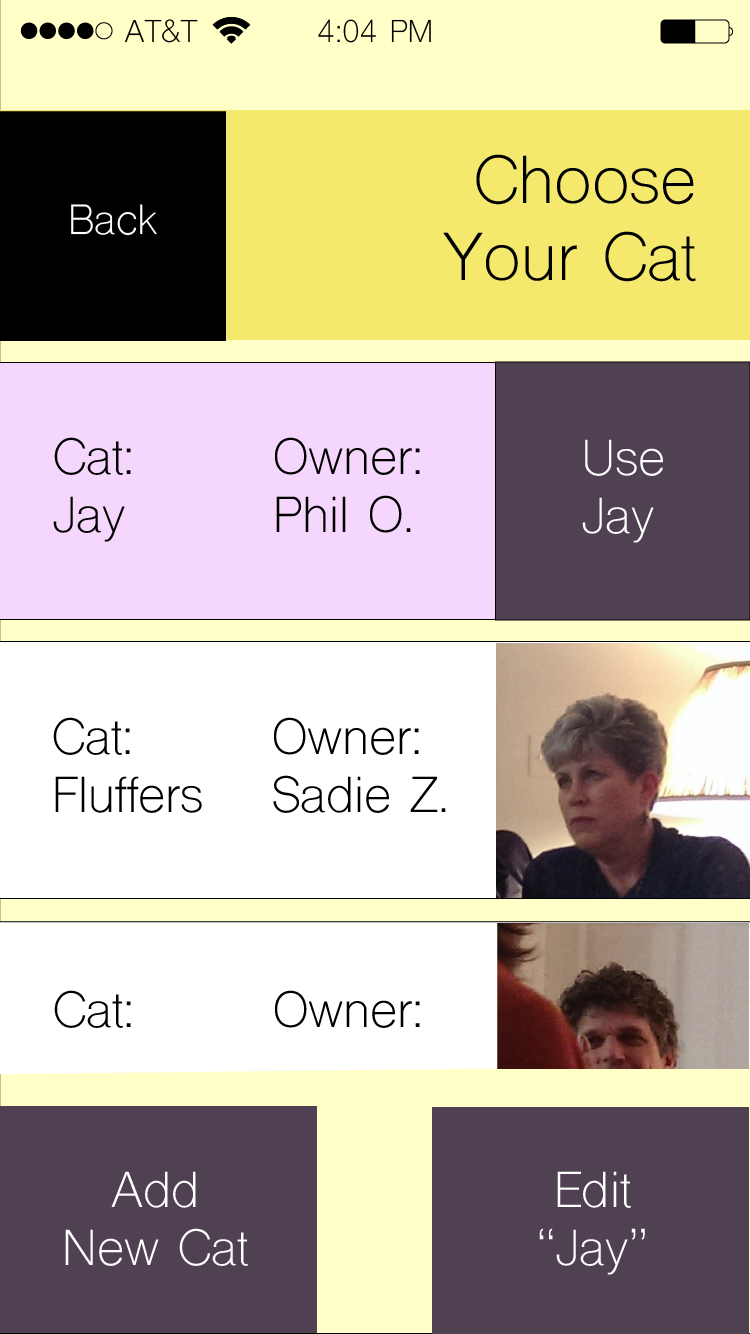
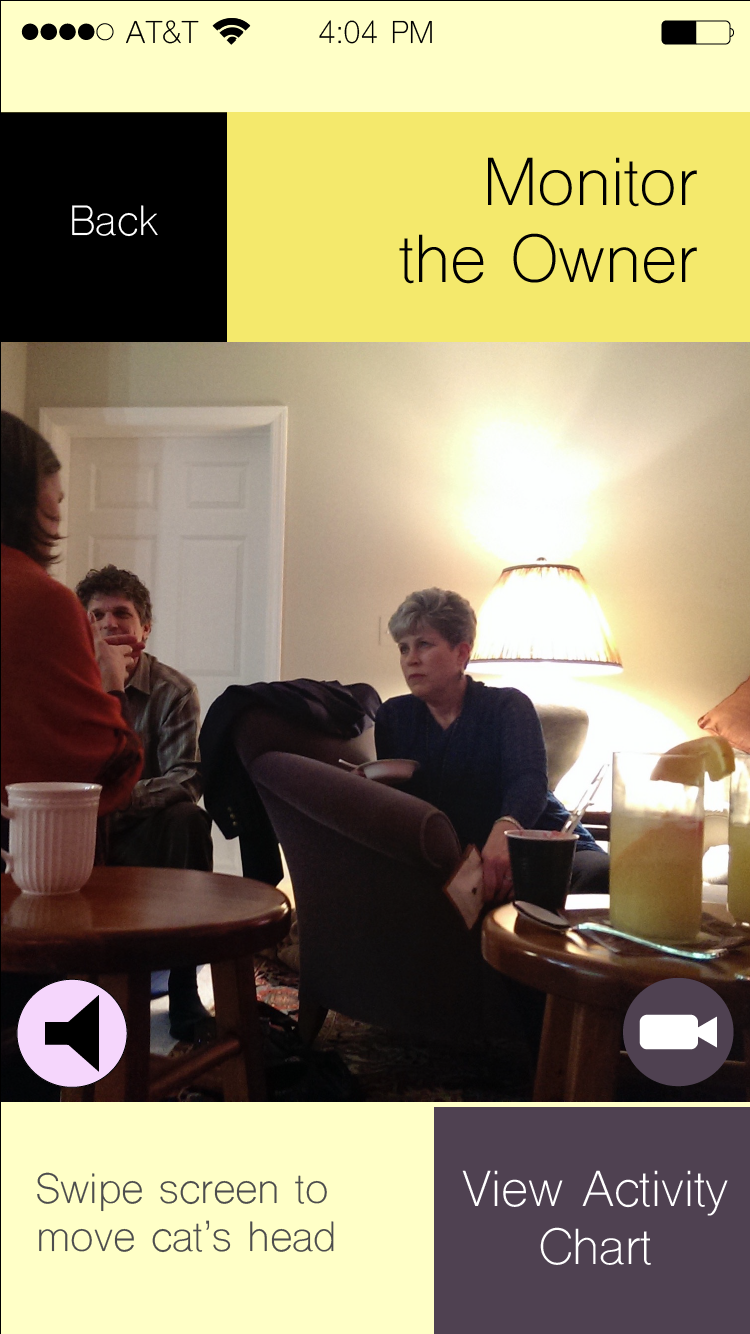
The functionality shown in the center screen allows for the cat to have multiple stored identities/personalities, perhaps for multiple "owners."The caretaker (the user) may want to monitor the "owner," as in the right-most screen. The "Activity Chart" shows things that might be indicative of the "owner's" mental level that day, such as amount of time spent petting the cat, frequently repeated phrases, etc.
< Back